
User Interface & Usability#
Note
These release notes were migrated from the retired Mantid wiki (archive.mantidproject.org).
New Features#
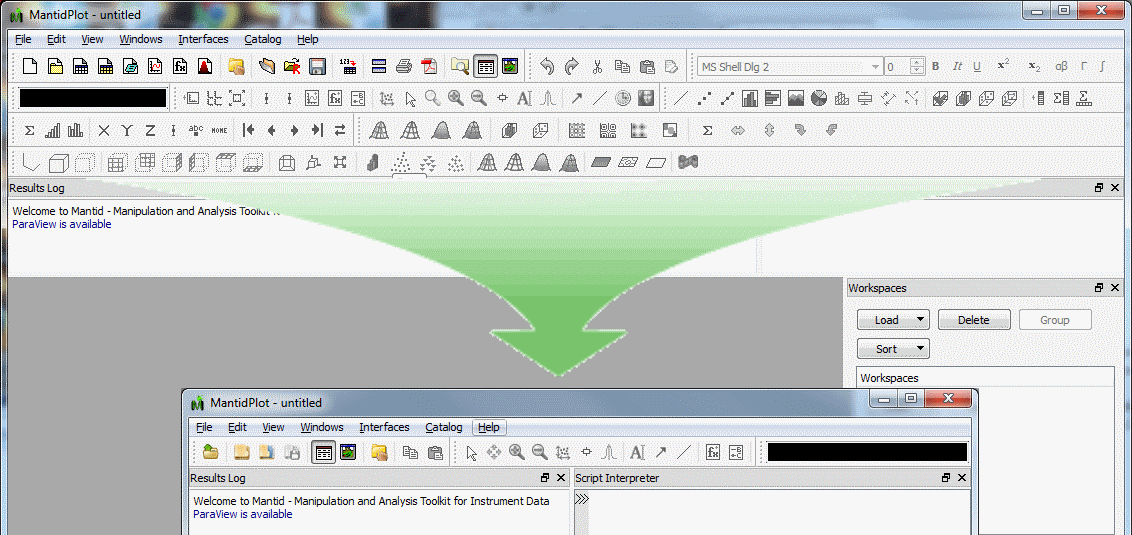
The number of tool bars and tool bar buttons has been dramatically simplified.#
Simplified Tool bar redesign#
We have listened to your comments that there were far to many tool bars and buttons on the tool bars. We have redesigned the toolbars and there icons removing lots of the lesser used buttons and standardising the images on others. All of the previous functionality is still available and I hope you agree with us that this part of the interface is now much easier to understand.
Instrument View improvements#
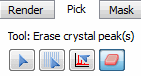
New Erase Crystal Peaks tool#
A new tool has been added to allow unwanted peaks in peak lists and overlays to be easily manually removed. You can alter the size of the “eraser” by using the mouse scroll wheel.
Some of the operations in the Masking Tab, such as saving a mask or region of interest used to also mask the workspace you were looking at. This has now been altered so that only the Apply button actually changes the workspace you are viewing, other operations such as saving the mask to file, or another workspace will not.
Visualising Grouped Detectors#
Previously, the detector table for a workspace with grouped detectors would simply display the ID of the first member. The table has been extended to display:
All of the IDs of the group if there are 10 or fewer or
An elided set of IDs if there are more than 10 in the format 1st,2nd…(N-4 more)…N-1th,Nth
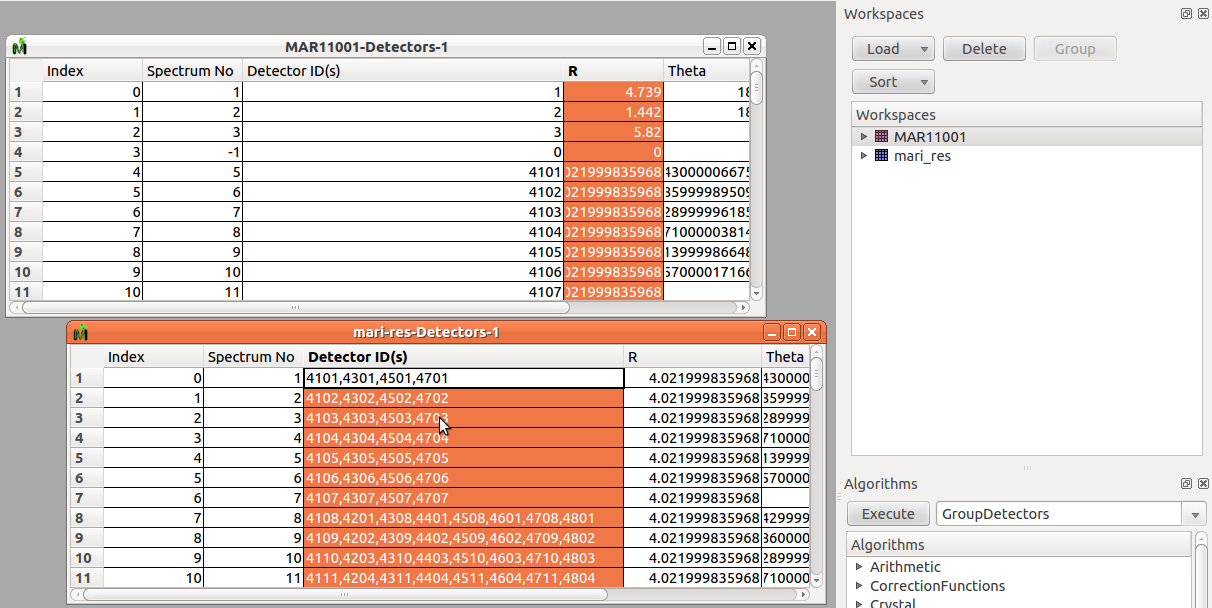
Two detector tables showing the detector IDs for the workspace. The second has been grouped from the first.#
Bugs Fixed#
If two algorithms were running simultaneously then the progress bar could get “stuck” and never be cleared away even when both algorithms completed.