

Mantid Workbench Changes#
Bugfixes#
(#40298) The Moments tab of the Inelastic Data Processor interface now moves the vertical sliders to the edge of the integration limits when new data is loaded for visualization.
(#40027) The Filter Events Interface no longer has a
Split Sample Logscheckbox - since that option is deprecated and all logs will be split.(#40473) colorfill plots with log colorscale will no longer cause errors when the below keys are pressed.
c, left, backspace, MouseButton.BACK - The behaviour is similar to pressing “Back” button on the plot’s toolbar.
v, right, MouseButton.FORWARD - The behaviour is similar to pressing “Forward” button on plot the toolbar.
r, h, home - The plot would be reset to Home view, i.e similar to pressing Home button of the plot
(#40577) Selecting multiple workspaces and right-clicking will now only display actions in the context menu that are compatible with every selected workspace.
(#40574) The FitPropertyBrowser should now be guarded against an occasional IndexError when interacting with plots.
(#40491) Calling
fig.savefig()immediately afterfig.show()will no longer cause a deadlock in the Qt event loop. This has been fixed by ensuring that all queued GUI events are safely processed before moving on to the next operation.
InstrumentViewer#
New features#
The modernised Instrument View has some new features. This new interface is still being developed but can be accessed, in its experimental form, by selecting
(Experimental) Show Instrumentafter right-clicking on a workspace:(#39949) Added the side-by-side projection. On instruments with no side-by-side panel positions defined in the IDF, this projection will try to optimise the arrangement of panels. For any detectors not in panels, they will appear in a grid, an abstract representation of the detectors.
(#40410) New option to either maintain (or not) the aspect ratio of a 2D projection of an instrument. This can result in a more efficient use of screen space, and clearer projections.
(#40508) One can now add and remove peaks. Peaks can either be added/removed individually, or all peaks on all selected detectors can be removed at once.
(#40578) Added an option to show monitors.
(#40623) Has a new Python interface to use the Instrument View in a Jupyter Notebook.
(#40101) Added a peak overlay. Peaks workspaces can be selected within the interface and those peaks will be plotted on both the projection and the 1D plot.
(#40579) Added ability to use in a Jupyter Notebook.
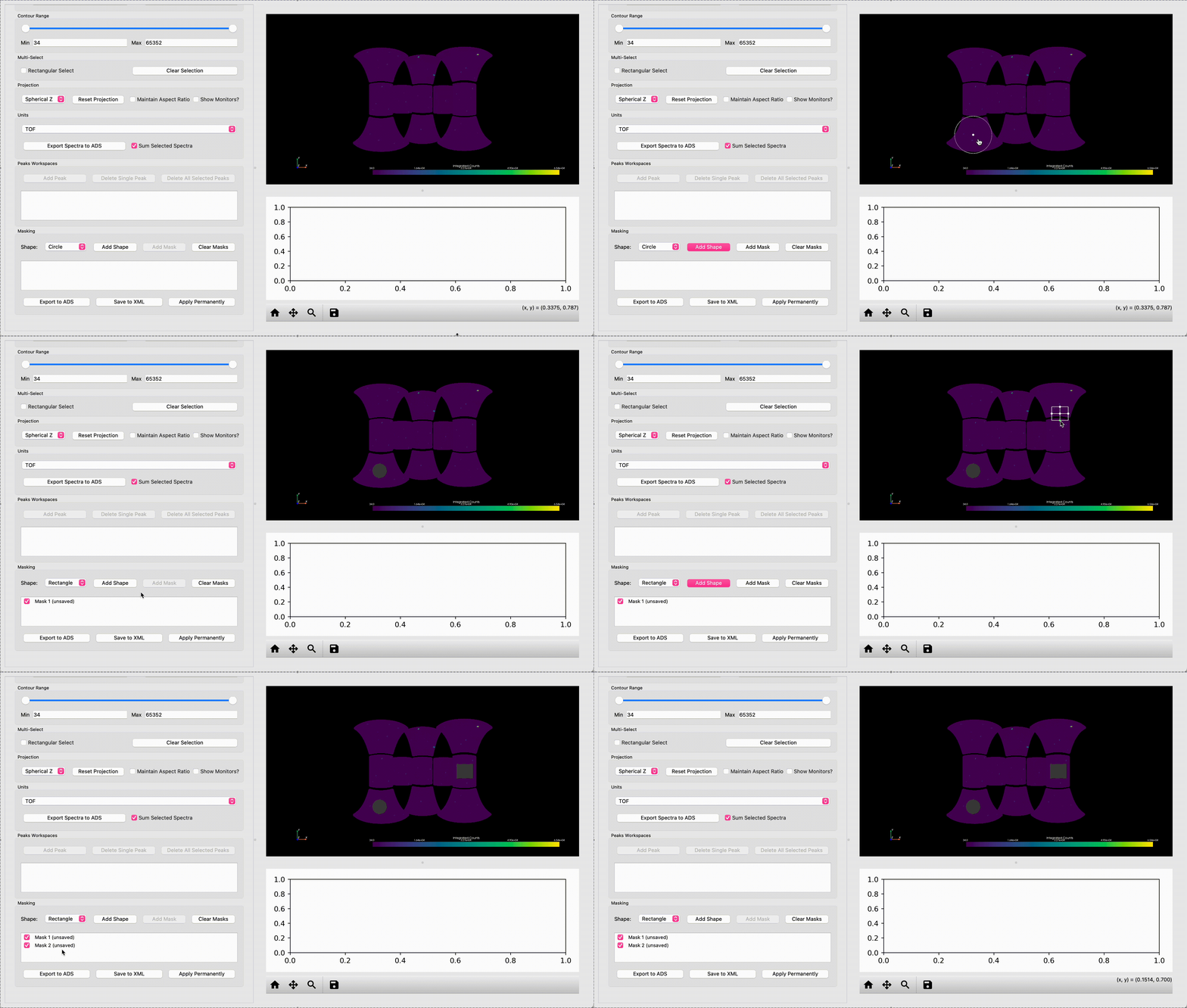
Bugfixes#
The new Instrument View also has some fixes:
(#40415) Peak overlays in the now work when an instrument has multiple detector IDs per spectrum.
(#40743) An error on closing no longer occurs due to a missing presenter.
(#40198) When deleting lots of peaks in a short space of time, a crash should no longer occur when erasing peaks.
(#40682) When an algorithm is run on the workspace currently open in the interface, a hang will no longer occur.
(#40727) When closing, an error due to a missing presenter will no longer occur.
SliceViewer#
New features#
(#40055) Sliceviewer now supports the
Asinhcolormap, similar tologbut valid for zero values.
Bugfixes#
(#40477) Sliceviewer now corrects for dot-pattern artifacts when rendering sparse data in log scale.